Microsoft Defender Antivirus is the built-in security solution for Windows and, in recent years, it has transformed from a mediocre tool to a top-tier antivirus solution. Its biggest advantages are its seamless integration, near-zero impact on system performance, and its status as a completely free component of the Windows operating system.
What Microsoft Defender Gets Right
Defender’s modern success is built on three pillars: effectiveness, simplicity, and integration.
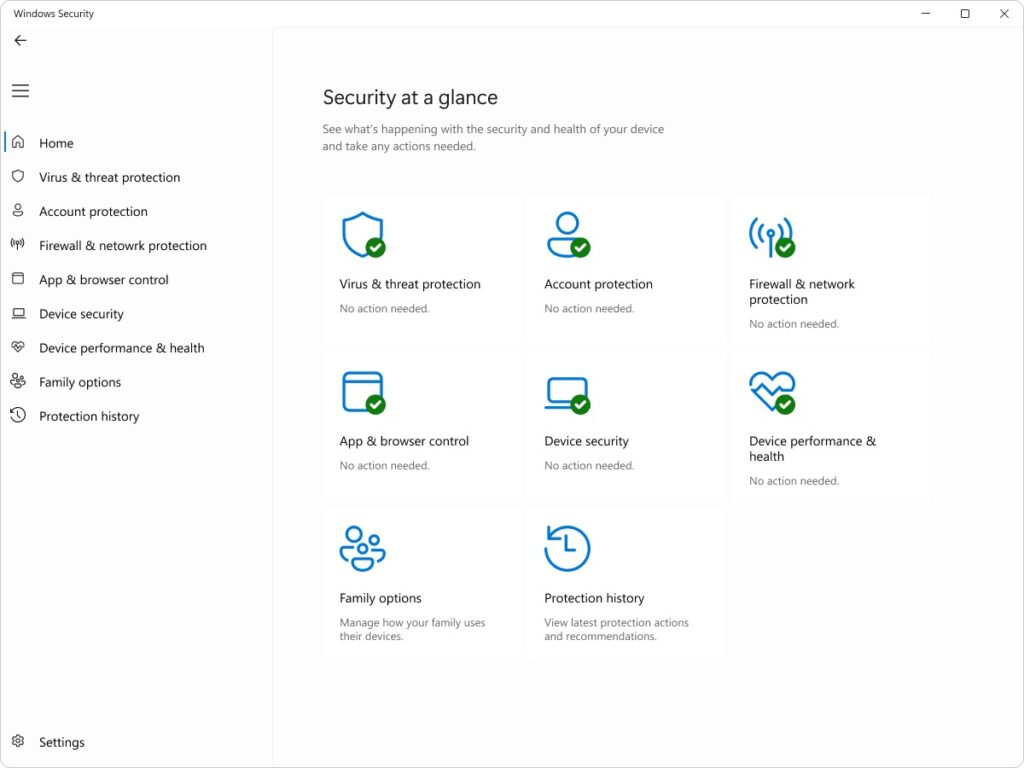
- Excellent Protection Scores: Independent testing labs (like AV-Test and AV-Comparatives) consistently rank Microsoft Defender among the best for malware protection. Its detection rates for both zero-day attacks and widespread malware are frequently at or near the 100% mark, rivaling paid competitors. This performance leap is thanks to Microsoft’s massive security network, which provides real-time threat intelligence.
- Zero System Impact: Because it is deeply integrated into the operating system, Defender is incredibly lightweight. It avoids the notorious “bloat” and system slowdowns sometimes associated with older third-party antivirus suites, making it an ideal choice for users with standard or older hardware.
- Seamless Experience: Defender is automatically updated, always running, and requires no separate installation, license key, or renewal. It handles security quietly in the background, only surfacing alerts when necessary. It also integrates key features like Ransomware Protection (via Controlled Folder Access) and a basic Firewall.
- Free and No Adware: Unlike many free antivirus programs, Microsoft Defender is entirely free, contains no advertisements, and doesn’t push upsells to premium versions—a significant win for the user experience.
Areas Where Third-Party Suites Win
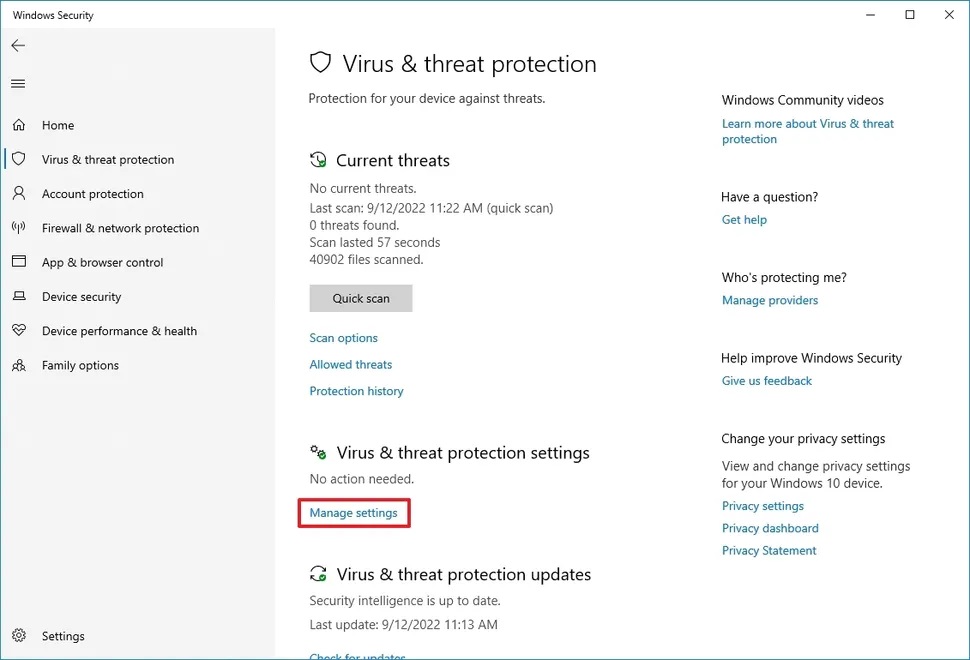
While Defender offers outstanding core protection, it is designed as a baseline. Dedicated security suites still provide more advanced features in specific areas.
- Limited VPN: Defender does not include a built-in Virtual Private Network (VPN). Many premium suites bundle an unlimited or feature-rich VPN service, which is essential for privacy when using public Wi-Fi.
- Cross-Platform Support: Defender is mainly a Windows product (though Microsoft offers security apps for other platforms). If you need a single license to cover a mixed household of Windows, macOS, Android, and iOS devices, a dedicated suite is usually required.
- Advanced Privacy Tools: While Defender has basic privacy settings, it lacks advanced tools often found in paid suites, such as comprehensive Password Managers, dedicated Data Shredders, and Dark Web Monitoring for leaked credentials.
- Customer Support: When you use Defender, your support is limited to Microsoft’s general support channels and community forums. Paid antivirus suites usually offer dedicated, 24/7 technical support and malware removal guarantees.
Verdict
Microsoft Defender Antivirus is the gold standard for free, baseline security. For the vast majority of Windows users who practice safe browsing habits, it offers sufficient, effective, and reliable protection without costing a penny. If you are looking for maximum security and minimal hassle, Defender is an excellent “set it and forget it” solution.
However, if you require specialized features like an integrated, unlimited VPN, a dedicated password manager, or the convenience of securing a family of mixed-OS devices under one subscription, you will need to look into a paid, full-featured security suite.
Are you deciding between sticking with Defender or trying out another free or paid option? I can help you compare specific features!