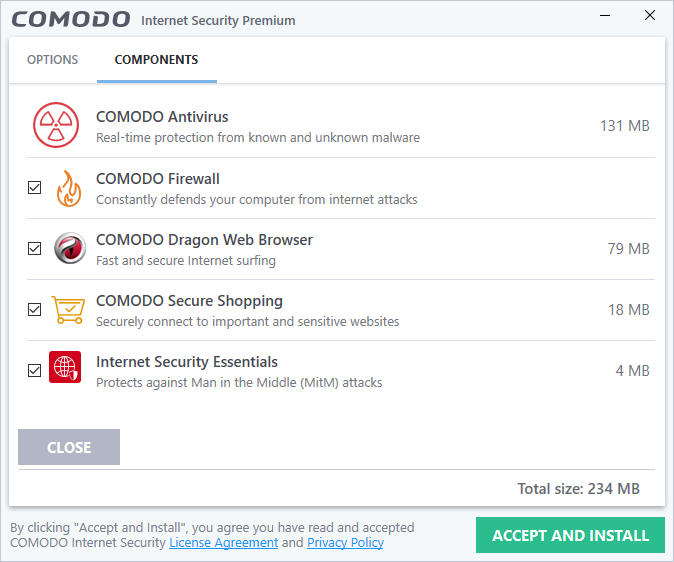
Comodo Internet Security Premium is designed for users who want complete control and demand a layered, lockdown approach to their PC’s defense. Unlike the “set it and forget it” simplicity of Bitdefender or Microsoft Defender, Comodo is a highly customizable and aggressively secure suite that relies heavily on its unique Defense+ and Sandbox technology.
The Good: Aggressive and Comprehensive Security
Comodo excels by offering security layers that go far beyond basic signature detection, giving experienced users an unparalleled sense of control.
1. Industry-Leading Firewall
Comodo’s most famous component is its powerful, standalone firewall. It provides granular control over every single application’s inbound and outbound network activity. This is far more robust than the built-in Windows Firewall and is ideal for users who need to know exactly what programs are connecting to the internet and when.
2. Defense+ (HIPS) and Auto-Sandboxing
This is Comodo’s core innovation. Defense+ (Host Intrusion Prevention System) monitors the behavior of all running programs. If a program tries to access critical system areas (like the registry or other program files), Defense+ steps in.
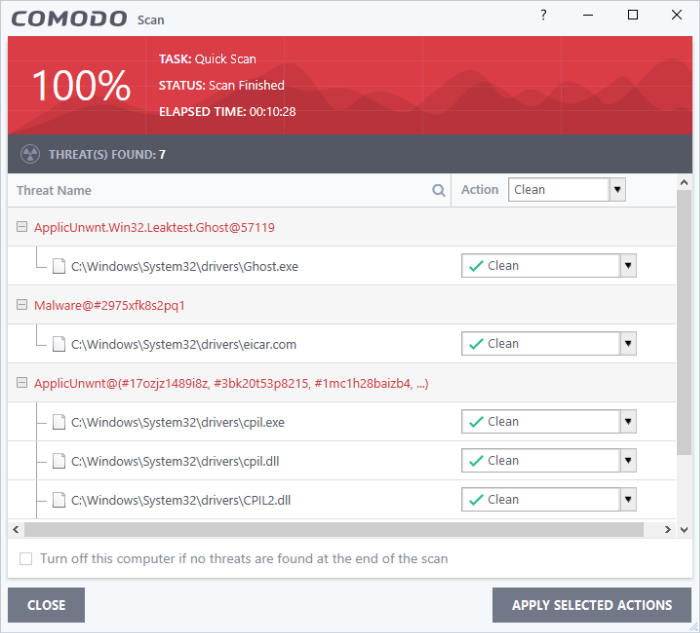
Crucially, Comodo uses Auto-Sandboxing. Any unknown or untrusted application is automatically run in a virtual environment (the Sandbox) where it is completely isolated from the rest of your operating system. This is a highly effective security measure that prevents malware from doing any real damage until you manually grant it permission.
3. Feature-Rich Free Package
Comodo is known for offering its best security features, including the Firewall and the core Defense+ technology, in its “Premium” free version, making it one of the most feature-rich free suites available.
The Trade-Offs: Complexity and Alert Fatigue
The very features that make Comodo so secure also introduce significant hurdles for the average user.
1. High Complexity and Alert Fatigue
Because Defense+ strictly monitors application behavior, it generates frequent security alerts. Every new, legitimate program you run (like a game launcher, a new utility, or a simple update) will trigger a pop-up asking for permission. This alert fatigue can cause users to blindly click “Allow,” defeating the purpose of the security layer. Comodo requires a degree of security knowledge to properly configure and manage.
2. Manual Management Required
To avoid performance issues or blocking legitimate programs, Comodo often requires users to manually “train” the software by creating specific rules for trusted applications. If you’re looking for an automated solution, Comodo is not it.
3. Performance Impact
While the Sandbox is highly effective, running programs in a virtual environment can introduce a noticeable performance overhead, particularly on older machines or when running several unknown applications simultaneously.
Final Verdict
Comodo Internet Security Premium is best suited for advanced or power users, security enthusiasts, and administrators.
It provides a level of control and security lockdown that is unmatched by most consumer products. However, if you are a beginner, a casual user, or someone who gets easily annoyed by technical pop-ups, Comodo’s aggressive defenses will quickly become frustrating. For most people, the simpler and highly effective approach of Microsoft Defender or Bitdefender Free offers a better blend of usability and protection.
Are there any other specific security software features or products you’re curious about?